Clock in.
Attendance with face verification

● TIME SHEET BY PROJECS
Manage your workday in one place. Clock in and out, track attendance, request leave, and keep up with your team.
Attendance • Leave • Requests • Expenses
ONE WORKDAY. ONE CONNECTED PLATFORM.
From the first clock-in to the last approval, give employees and managers a clearer way to work together.
Attendance with face verification
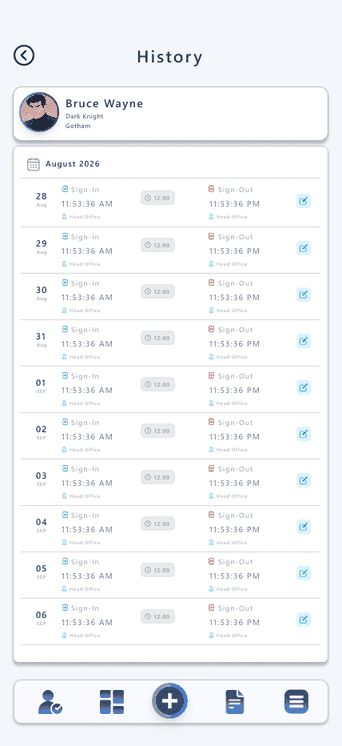
Your hours and history, in view
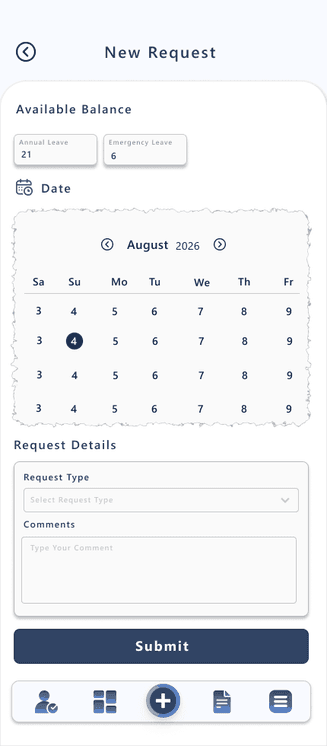
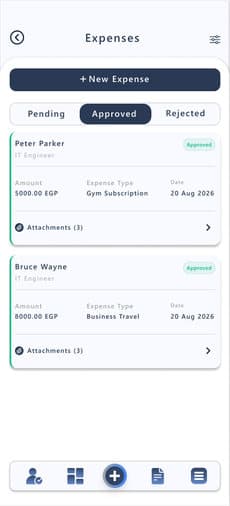
Leave, requests, and expenses
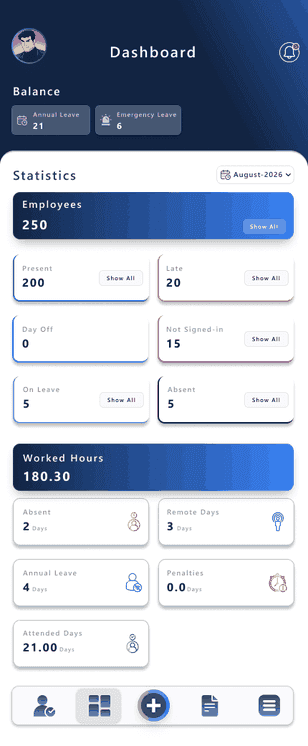
Your people, policies, and updates
BUILT FOR EVERY WORKDAY
01 — TIME & ATTENDANCE
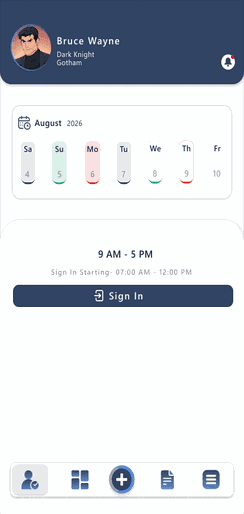
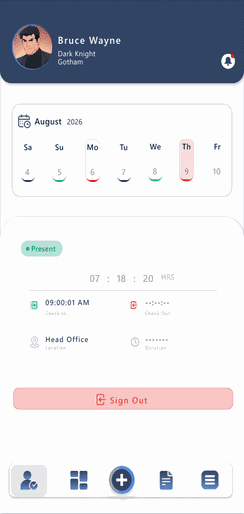
Clock in and out from your phone. See your schedule, hours, and attendance status as your day unfolds.
02 — REQUESTS & TOOLS
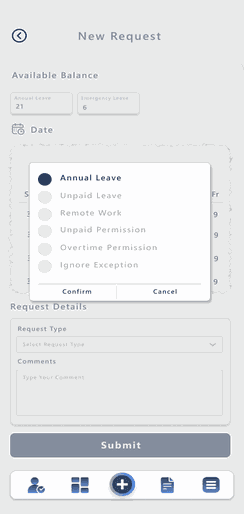
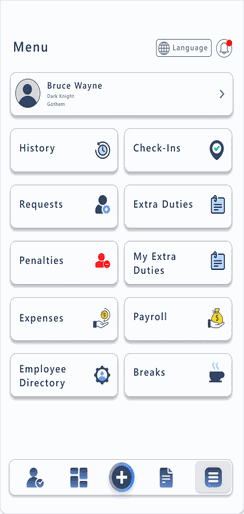
Choose the request you need, follow its progress, and find your everyday team tools in one place.
MADE FOR MANAGERS AND HR
Review leave requests and team expenses, approve what matters, and keep every decision organized in one place.
Explore more tools →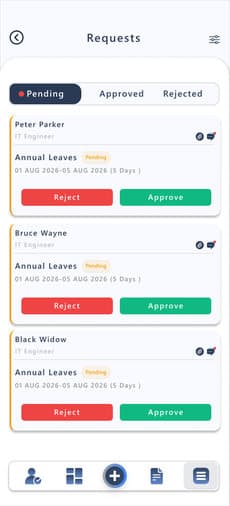
MADE FOR YOUR WORKDAY
From clock-in to approvals, everyday HR tasks stay easy to find and act on.

Start and end your day from the app, with hours and attendance in view.

Check your sign-ins, sign-outs, and worked hours whenever you need them.

Request time off and follow its status from submission to decision.

Review team requests and make clear decisions in one place.

Submit claims and track each expense with its details together.

Find people and their work information quickly.

Keep workplace guidance and team news within easy reach.

See your schedule and breaks throughout the workday.
PROJECS ON THE GO
Clock in, request time off, check expenses, and keep up with your team — straight from your phone.
 App Store
 Google Play
A LITTLE MORE CLARITY
Getting to know Time Sheet? Start here.
Time Sheet connects attendance, time tracking, employee requests, expenses, policies, and workplace notifications in one platform for employees, managers, and HR.
Select Dashboard. If you are not signed in, you will be taken to the login page. Your account and organization permissions determine the workspace you can access.
Face recognition is part of the clock-in experience. Your organization configures attendance requirements.
Managers can review requests and expense claims through the organization’s configured approval workflow.
The employee platform supports English and Arabic with layouts designed for each reading direction.